Configuring Business Settings for Classes
Last updated: July 12, 2025
Prerequisites
Before creating a class, ensure:
You are logged in as an Administrator or a user with Training permissions.
To add Memberships to your RangeWorks services contact Support
Steps to Configure Business Settings
1. Navigate to the Business Settings Page
From the Admin Dashboard, go to Business Settings
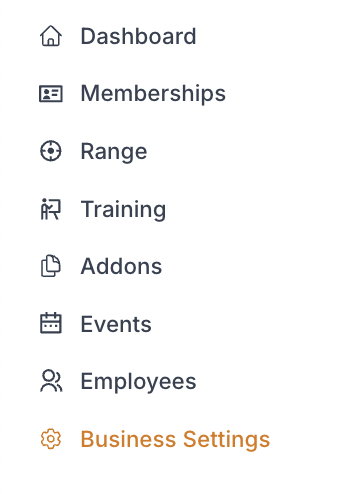
While in "Consumer UI" select Classes tab

2. Enter Class Order Confirmation Email Address
This email will receive alerts after every class sale
Multiple email addresses can be added if they are separated by commas

3. Set Communication Settings
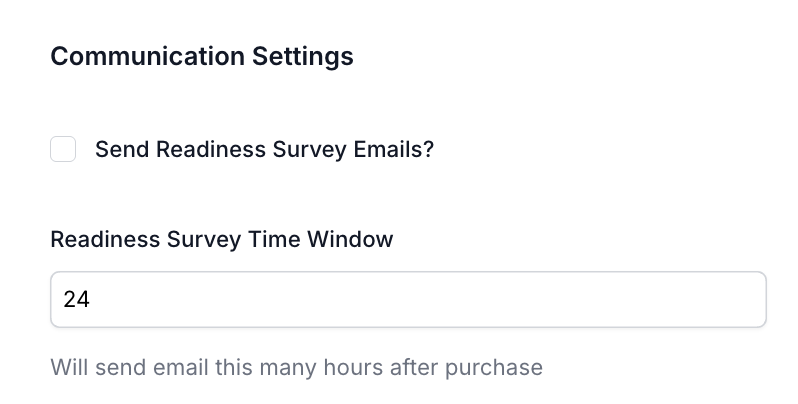
Check "Send Readiness Survey Emails" to send an email gathering some general information about the customers previous experience with training
Enter "Readiness Survey Time Window" in hours for how long after the class purchase the customer will receive this survey
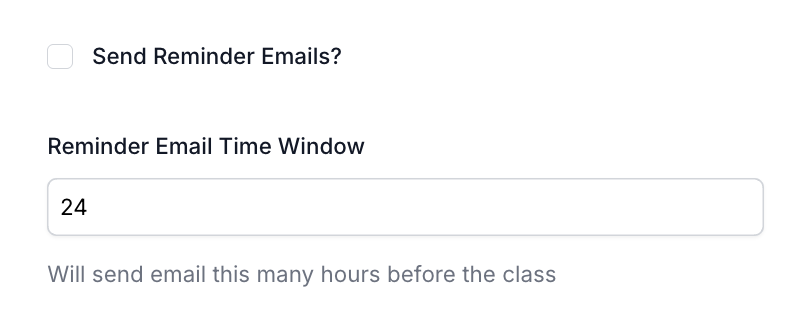
Check "Send Reminder Emails" to send an email reminding the customer about their class
Enter "Reminder Email Time Window" in hours for how long before the class the customer will receive the reminder email
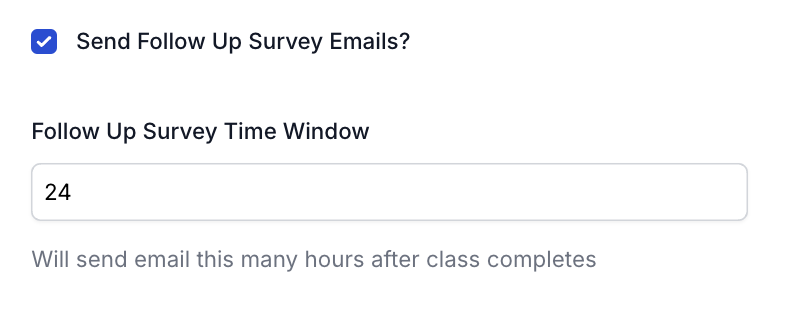
Check "Send Follow Up Survey Emails" to send an email requesting the customer fill out a survey about their experience with theclass
Enter "Follow Up Survey Time Window" in hours for how long after the class the customer will receive the follow up survey
4. Set Class Certificate Settings
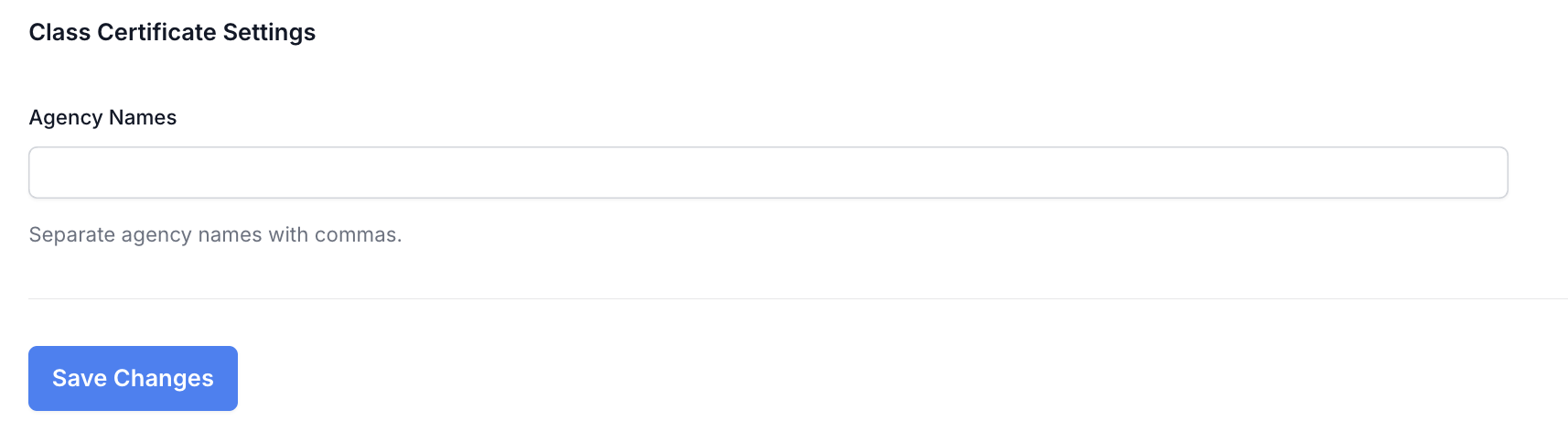
Enter the different agency names you have classes for to help generate class certificates
Separate the agency names with commas
Click "Save Changes" when you are done entering the agency names
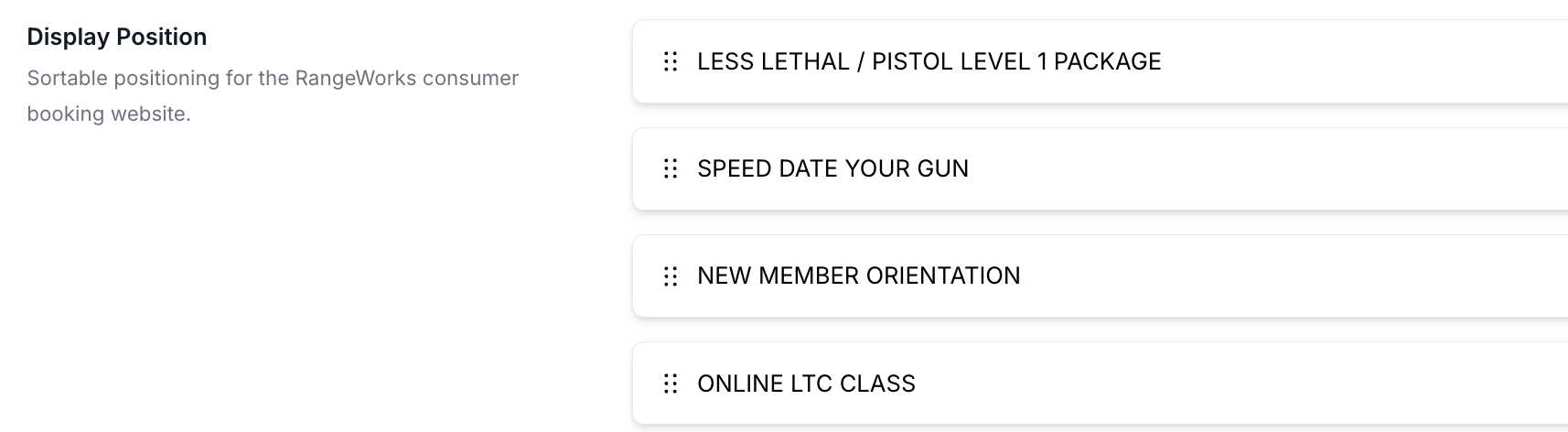
5. Display Position
Drag the memberships in the order you would like them to display