How to Create a Training Class
Last updated: July 6, 2025
Prerequisites
Before creating a class, ensure:
You are logged in as an Administrator or a user with Training permissions.
To add Classes to your RangeWorks services contact Support
Steps to Create a Training Class
1. Navigate to the Training Page
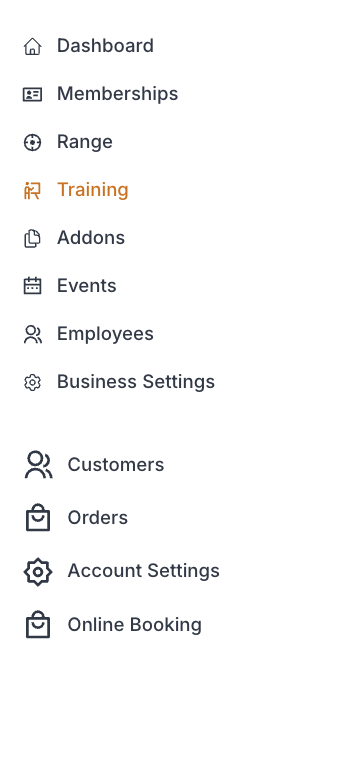
From the Admin Dashboard, go to Training
While in "Classes" click “Create Class” button.

2. Enter Class Details
Fill out the following fields:
Field | Field Description |
Class Name | A clear name for the class (e.g., “Intro to Range Safety”) |
Description | Brief overview of what the class covers (Internal description of the class) |
Tags | Information to allow customers to filter and sort class types easier
|
Checkout Form Optional Settings | Select to enable the following at check out:
|
Discount Optional Settings | Select to :
|
3. Create Class
Click "Create Class" button
