How to Create a New Addon Group and Addons
Last updated: July 7, 2025
Steps to Create an Addon Group and Addons
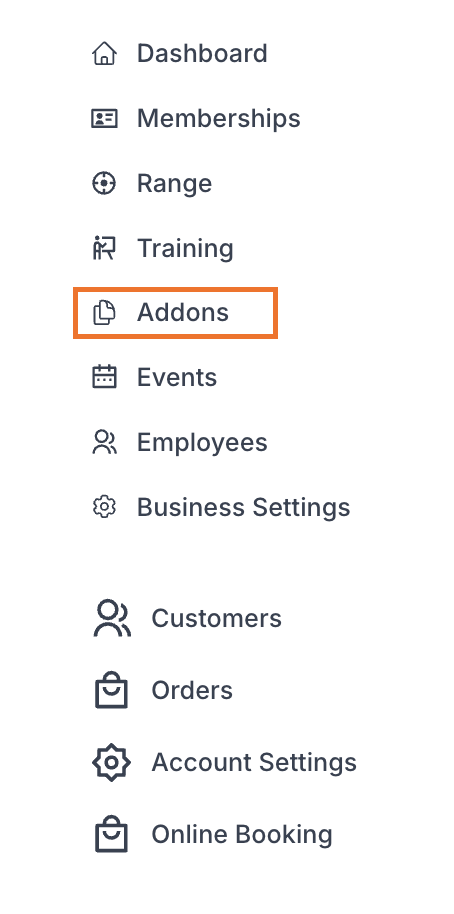
1. Navigate to the Addons Page
From the Admin Dashboard, go to Addons
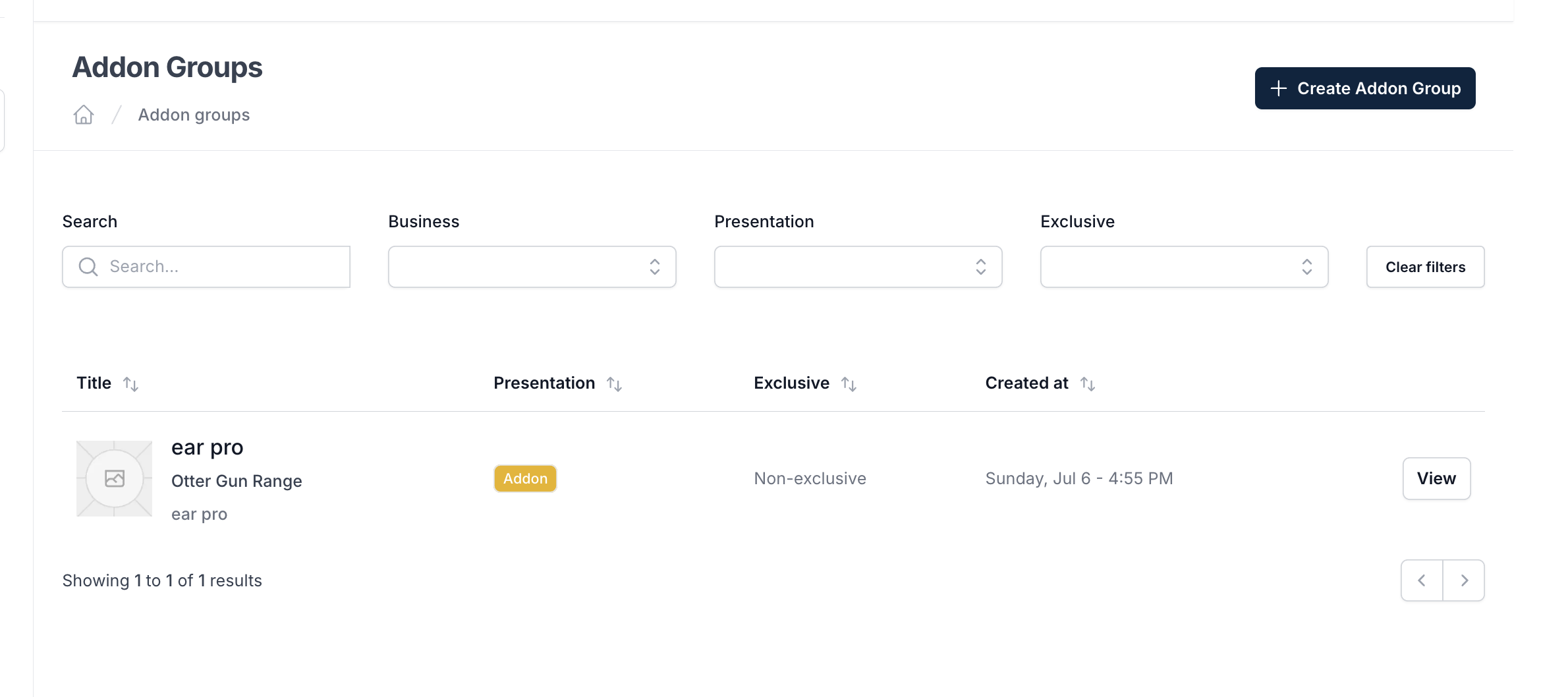
2. Creating a New Addon Group
While "Addons Groups" tab and click "Create Addon Group"

3. Enter Addon Details
Fill out the following fields:
Field | Field Description |
Title | Name you would like to give the addon group |
Description | Brief description of the addon group |
Presentation |
|
Exclusive | Select to enable the following:
|
3. Create Addon Group
Click "Create" button

4. Creating Addon within Addon Group
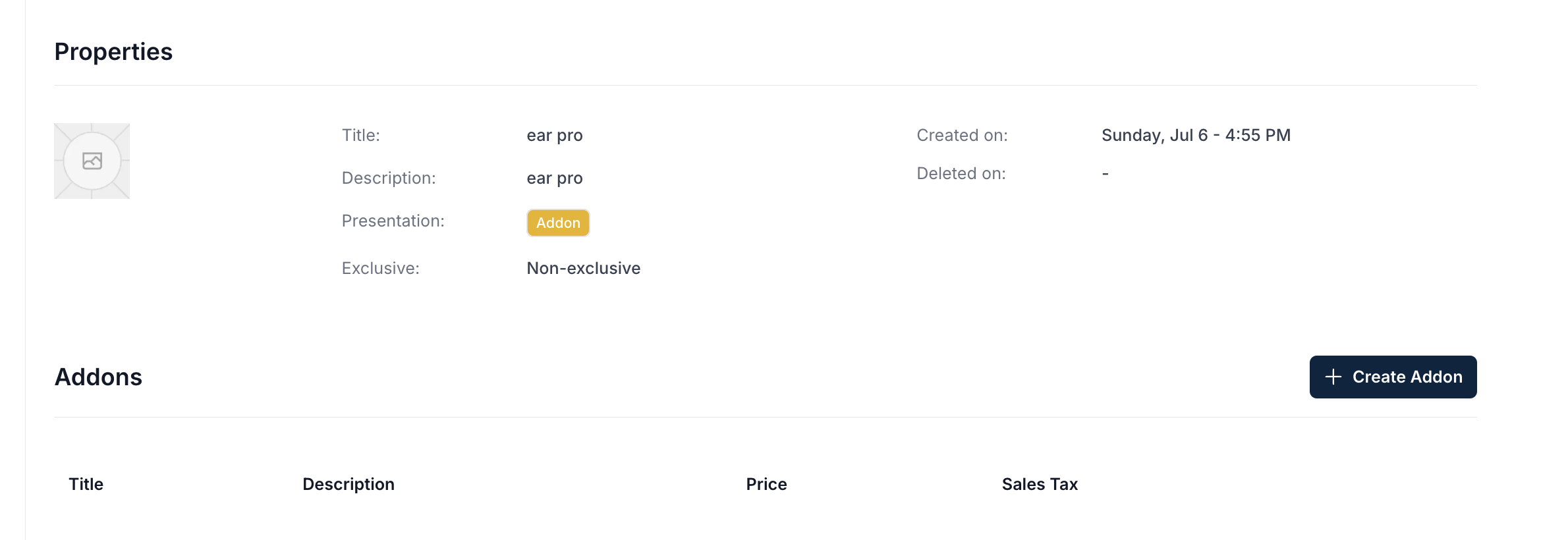
a. Select the Addon group you want to add items to
b. Click "Create Addon"
5. Enter Addon Details
Fill out the following fields:
Field | Field Description |
Title | Title of the addon |
Description | Description of the addon |
Sales Tax Rate | Select sales tax rate (e.g. 0.07 for a 7% tax rate) |
Price | Enter the price in USD to charge for the addon |
Position | Select position you would like the addon to show in the list |
6. Create Addon
Click "Create" button
