How to Check in a Range Reservation
Last updated: July 12, 2025
Prerequisites
Before trying to set up a range reservation ensure:
You are logged in as an Administrator or a user with Range Operations permissions.
To add Range Reservations to your RangeWorks services contact Support
You have your bays and ranges set up
Reference: How to Set Up Your Range Bays and Lanes
Steps to Checking In a Range Reservation
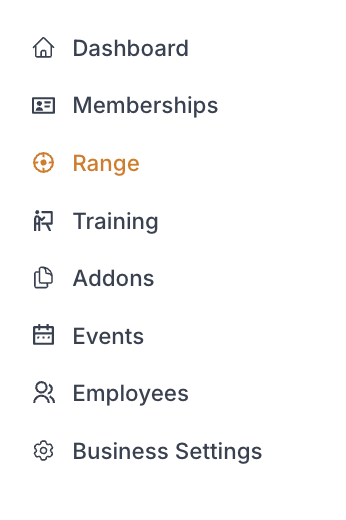
1. Navigate to the Range Page
From the Admin Dashboard, go to Range
While in "Reservations" ensure you are in the "Upcoming" Tab
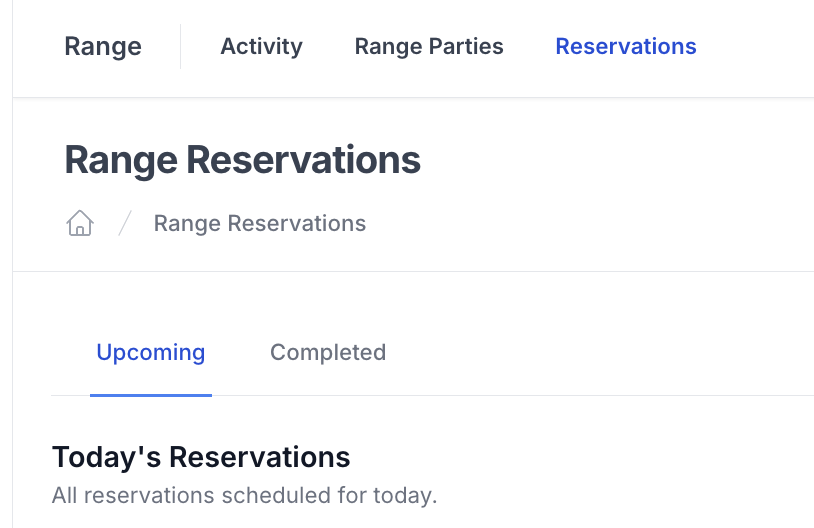
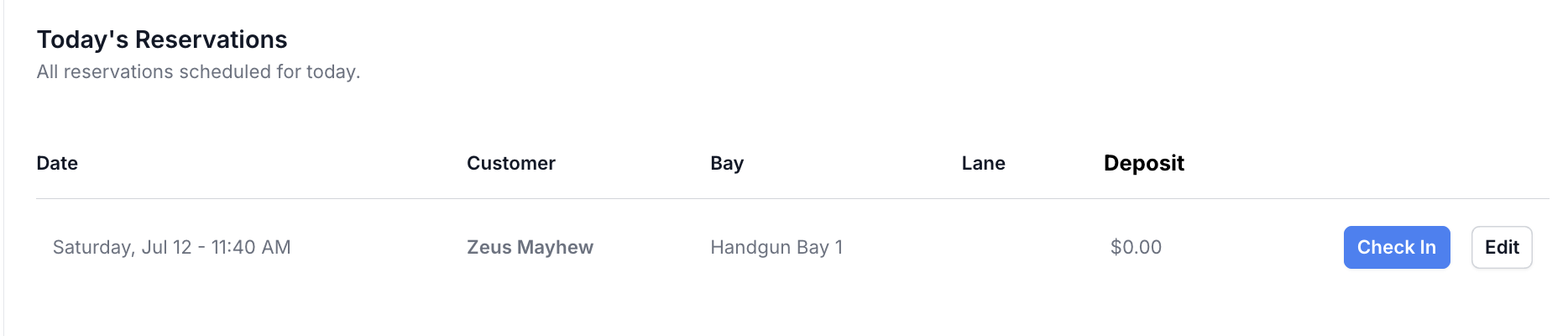
2. Check-In the Customer
Under "Today's Reservations" click "Check-In" for the reservation you are checking in
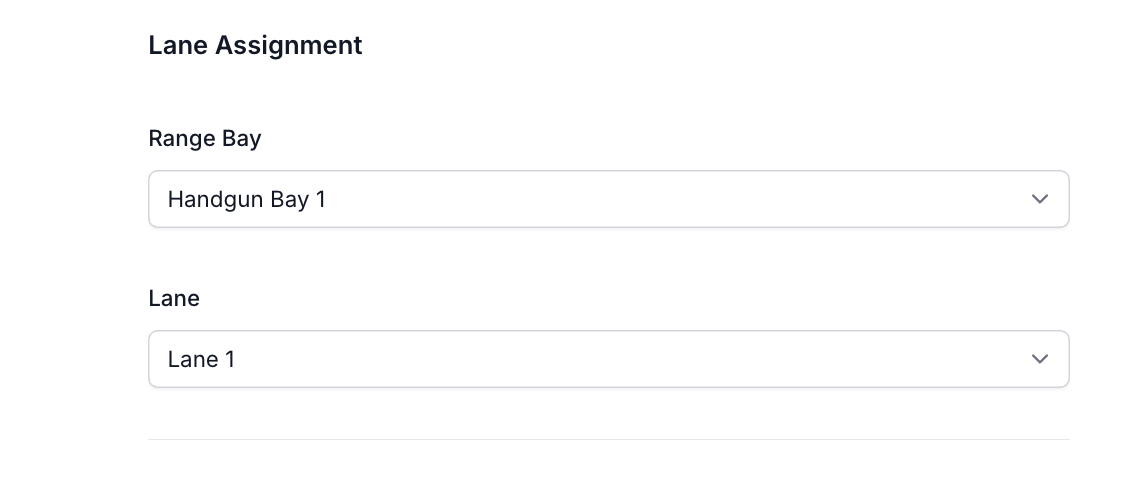
► Fill in the lane assignment information
A) Bay
B) Lane
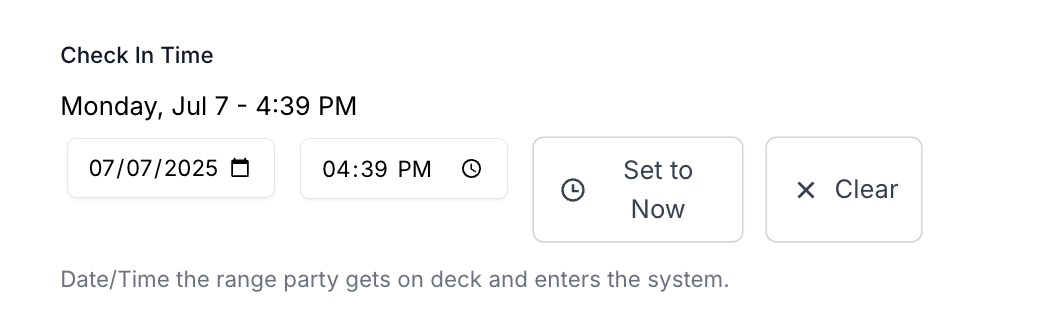
► Fill in the Check-In time to add the party to the on deck field

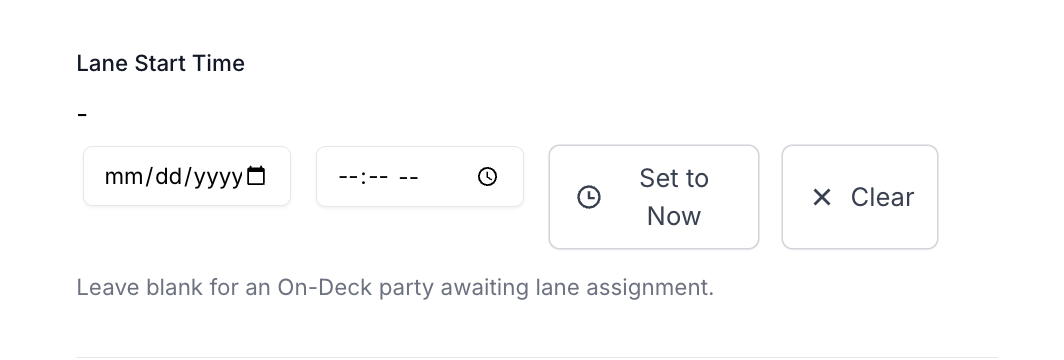
► When the party is going on to a lane set the lane start time
► Click "Create Range Party"
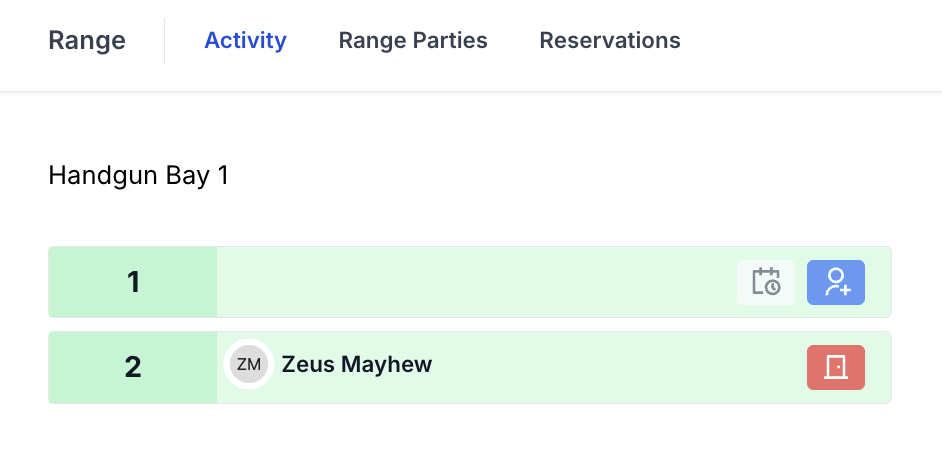
►Active Range Parties will display in the following tabs
A. Range --> Range Parties
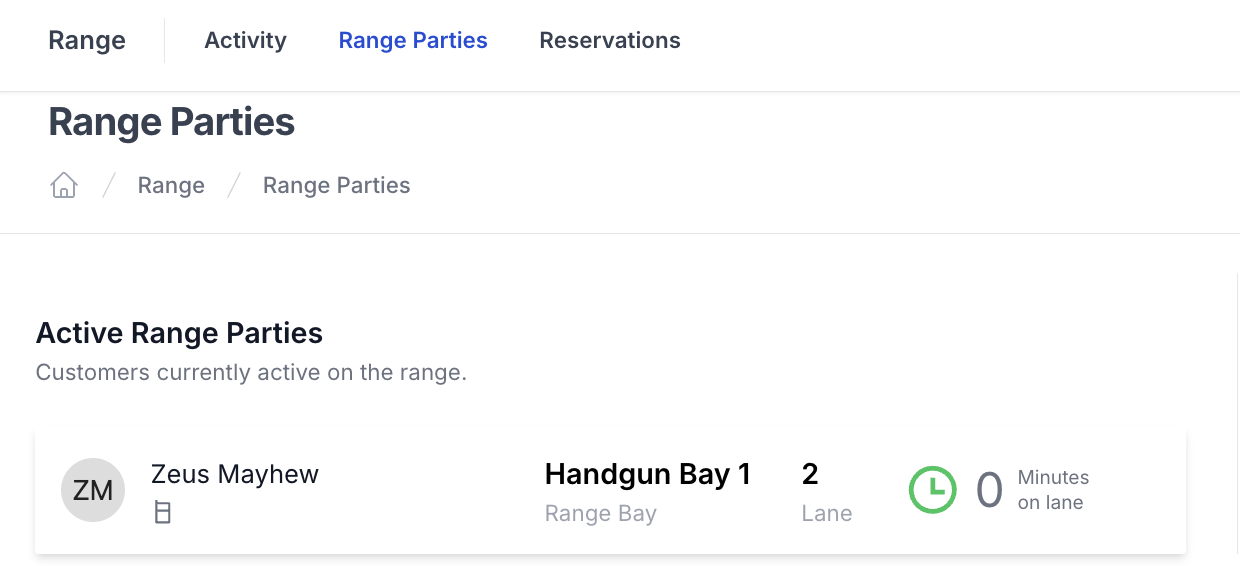
B. Range --> Activity