Configuring Marketing Integrations: OtterWaiver
Last updated: July 13, 2025
Steps to Configure OtterWaiver Integration
NOTE: You will need to contact support@rangeworks.com to enable this integration fully
1. Navigate to the Account Settings Page
From the Admin Dashboard, go to Account Settings
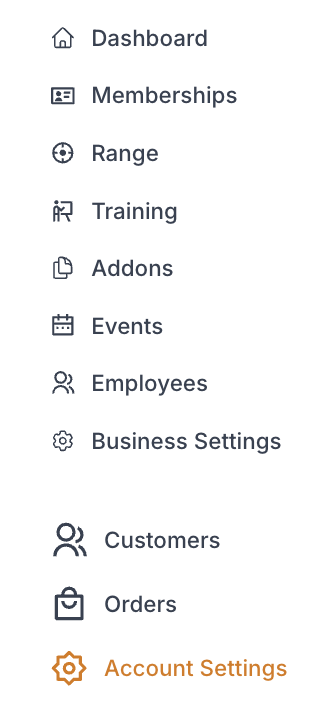
While in "Account" select Marketing Integrations tab

2. Integration Set Up
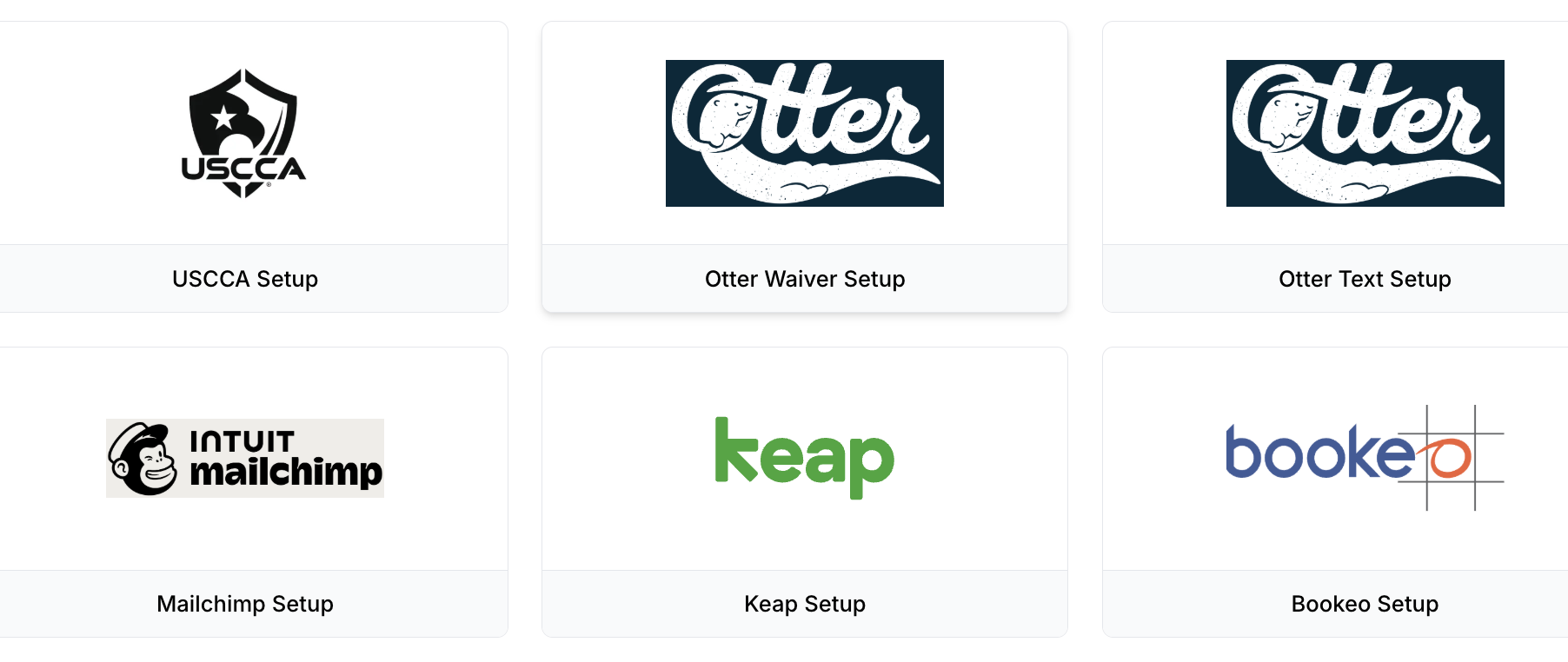
a. Click the OtterWaiver Setup
~Integration with the OtterWaiver customer and waiver database. Please contact support@rangeworks.com before setting this up.
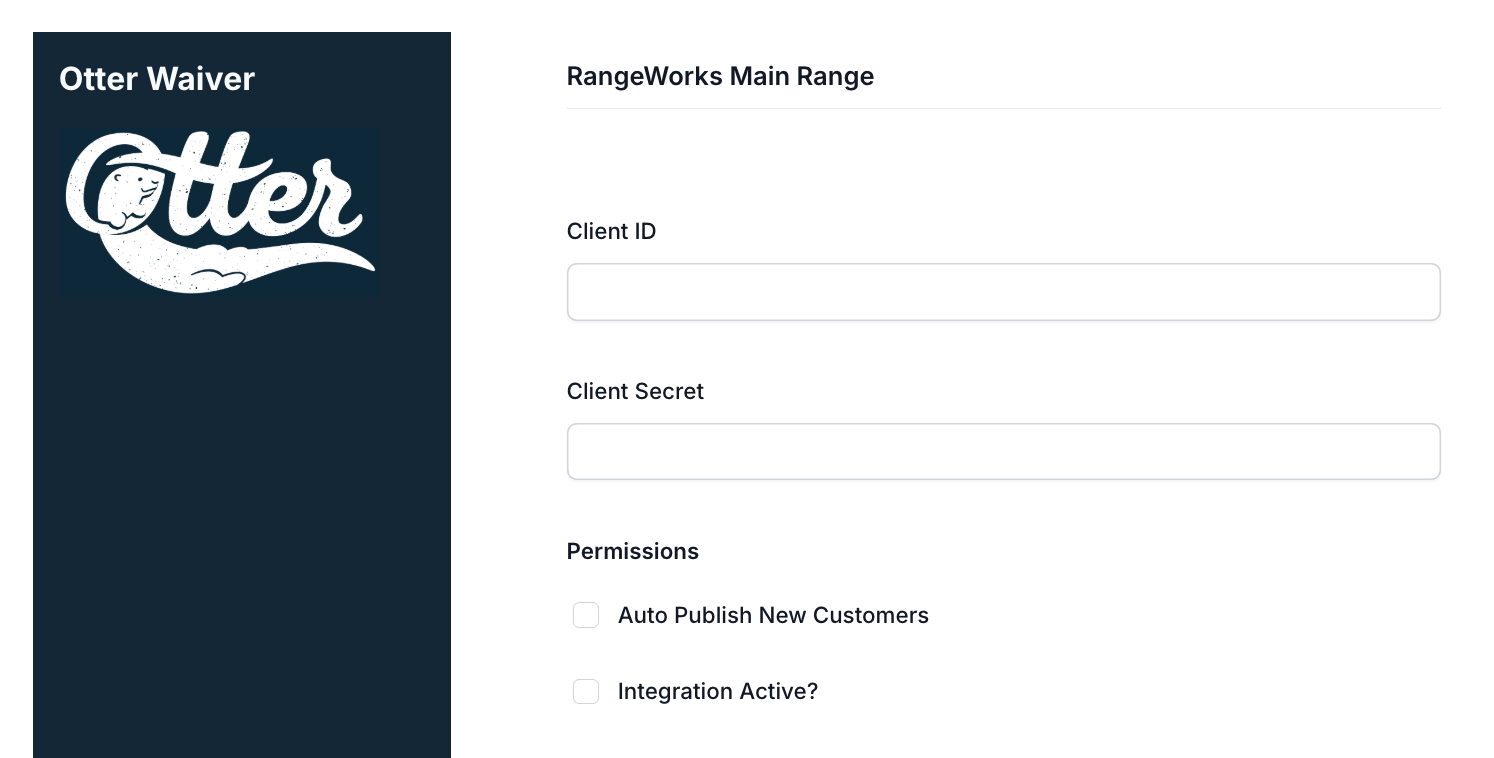
i. Enter
A. Client ID
B. Client Secret
C. Permissions
~Check or uncheck to enable/disable auto publishing new customers
~Check or uncheck to enable/disable the integration
b. Click "Save Changes"