Configuring Marketing Integrations: USCCA
Last updated: July 13, 2025
Steps to Configure USCCA Integration
NOTE: You will need to contact support@rangeworks.com to enable this integration fully
1. Navigate to the Account Settings Page
From the Admin Dashboard, go to Account Settings
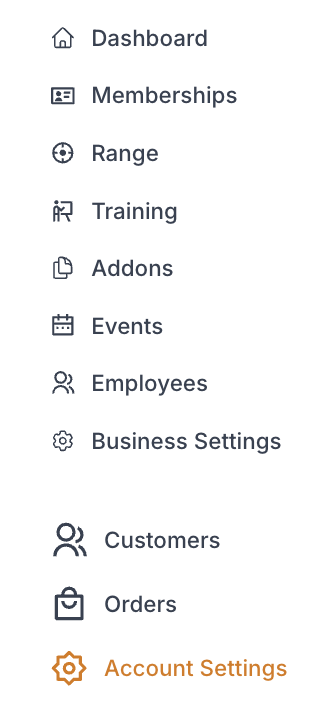
While in "Account" select Marketing Integrations tab

2. Integration Set Up
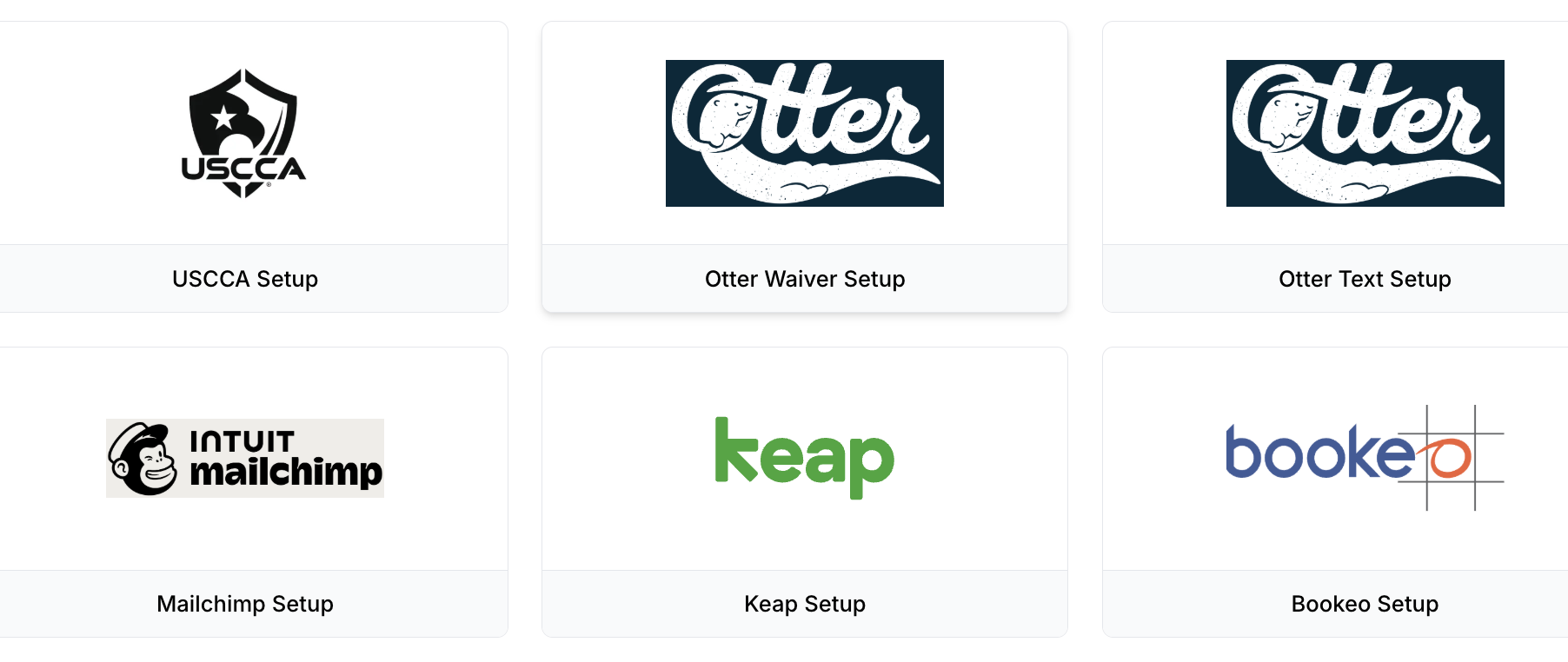
a. Click the USCCA Setup
~Enabled integration with the USCCA membership sync. Selected memberships will automatically post their status to your USCCA wholesale account. Please contact support@rangeworks.com before setting this up.
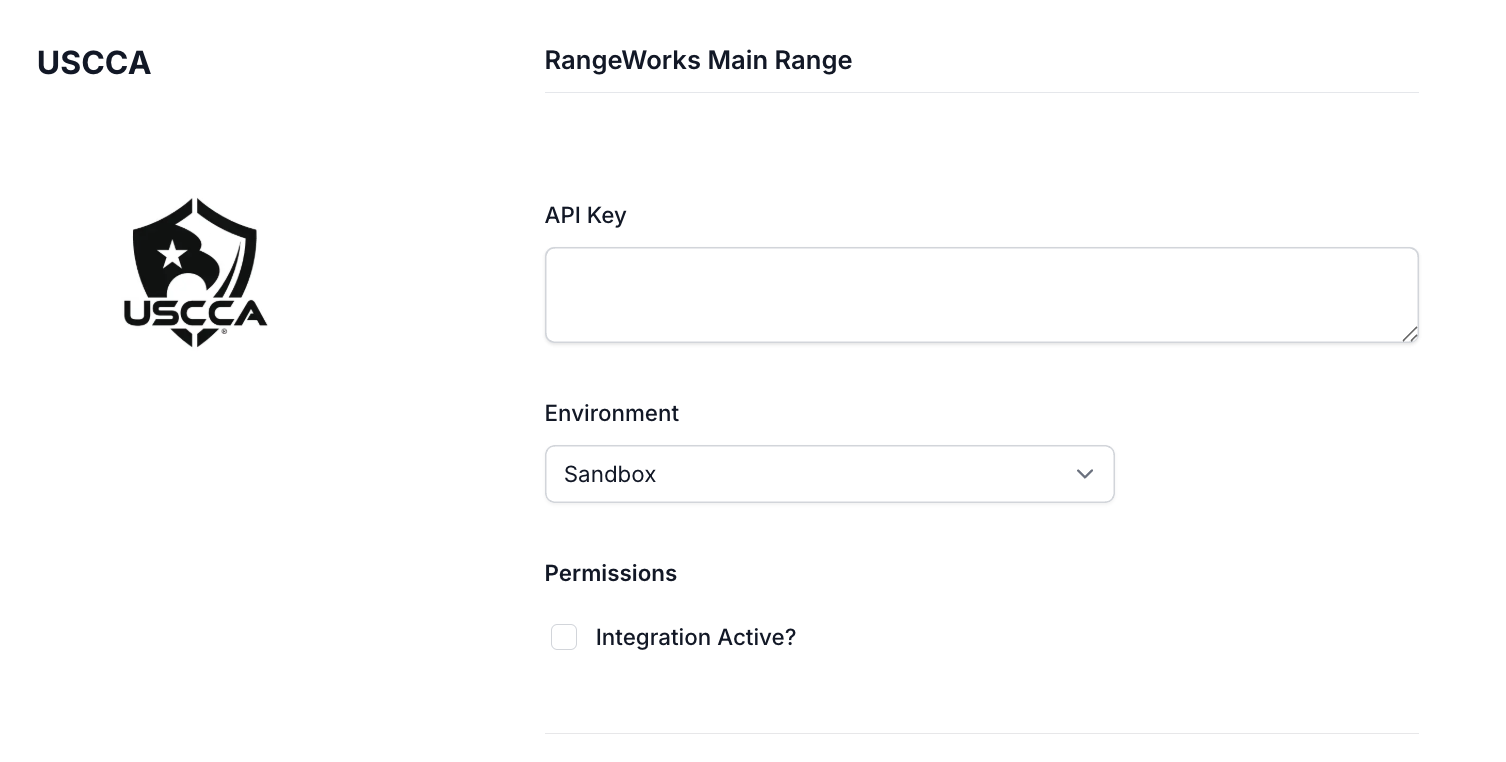
i. Enter
A. API Key
B. Environment (Sandbox or Production)
C. Permissions (Check or uncheck to enable/disable the integration)
b. Click "Save Changes"