Configuring Account Settings: Account
Last updated: July 12, 2025
Steps to Configure Account Settings
1. Navigate to the Account Settings Page
From the Admin Dashboard, go to Account Settings
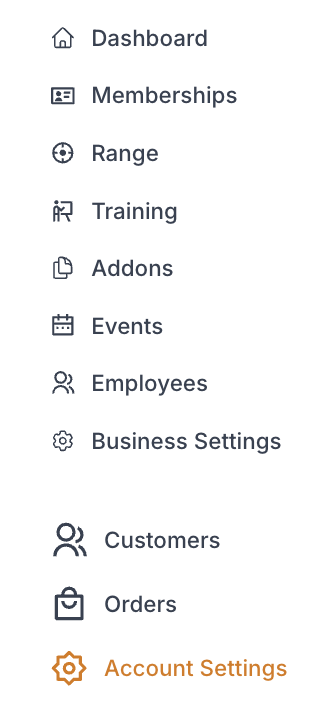
While in "Account" select Account Details tab

2. Account Details
a. Account Name
This is set upon account set up and cannot be changed without emailing support@rangeworks.com

b. Contact Email

c. Account Time Zone
This is set upon account set up and cannot be changed without emailing support@rangeworks.com

d. Week Starts On
Select the day of the week you want the week to start on for your business

e. Click "Save Changes"
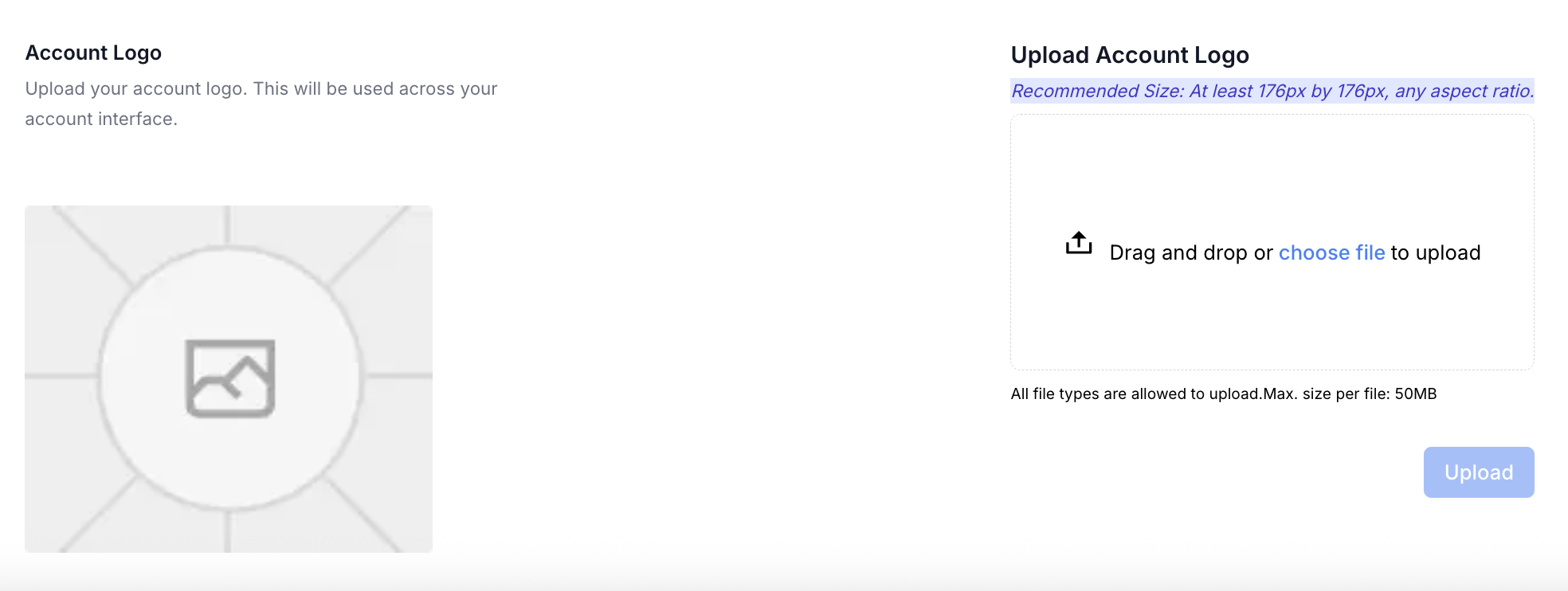
f. Upload Account Logo
Upload your account logo. It will be used across your account interface.
Recommended Size: At least 176px by 176px, any aspect ratio.
Make sure to click "Upload"
3. Billing
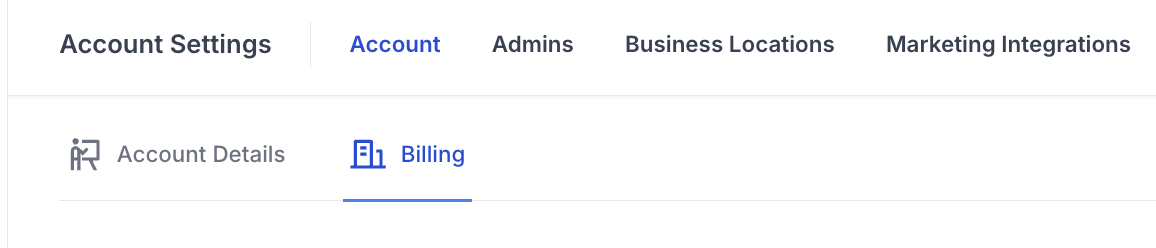
This section allows you to access your stripe billing account
if you need to update this email address please contact
