Setting Up and Managing Admin Accounts
Last updated: July 12, 2025
Steps to Configure Admin Accounts
1. Navigate to the Account Settings Page
From the Admin Dashboard, go to Account Settings
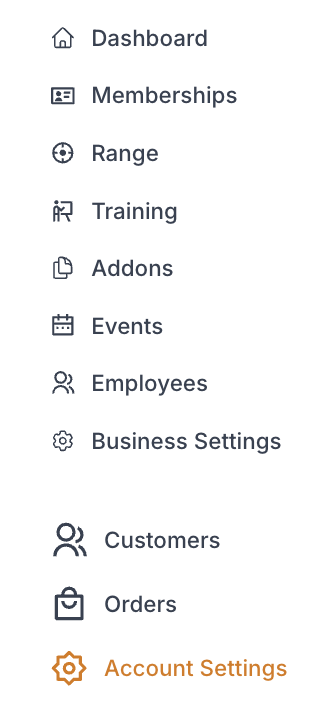
While in "Admins" select Administrators

2. Setting Up a New Administrator
a. Click "Invite New Admin"
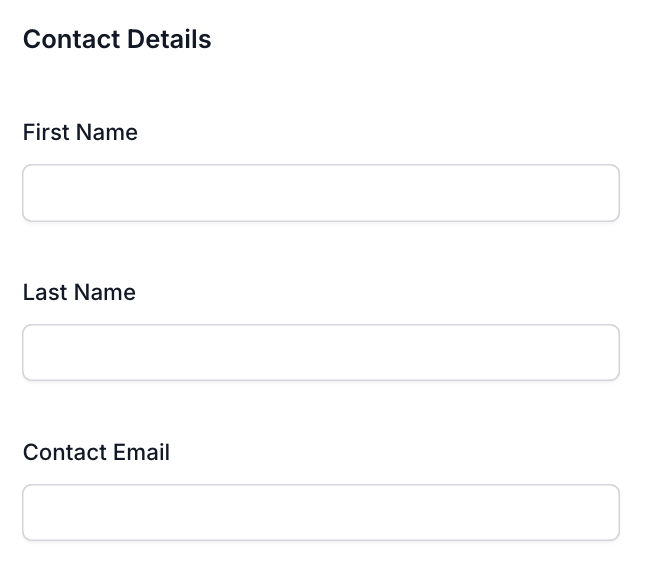
b. Fill in the Details of "New Account Administrator" Page

i. Contact Details
A. First Name
B. Last Name
C. Contact Email
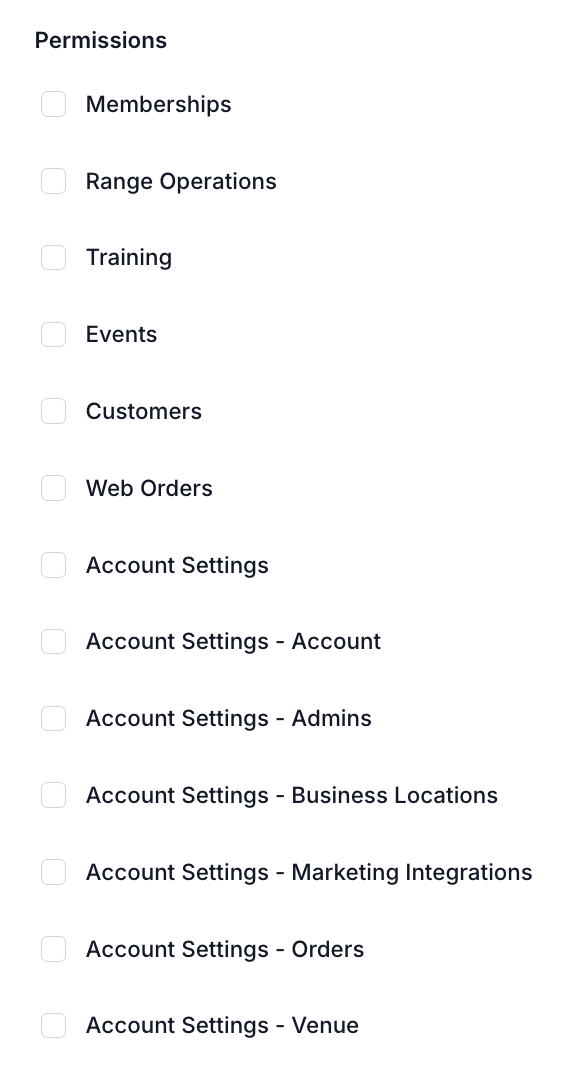
ii. Check Permissions Administrator should have
iii. Click "Save Changes"

3. ManagingActive Administrators
All active administrators will appear under this tab
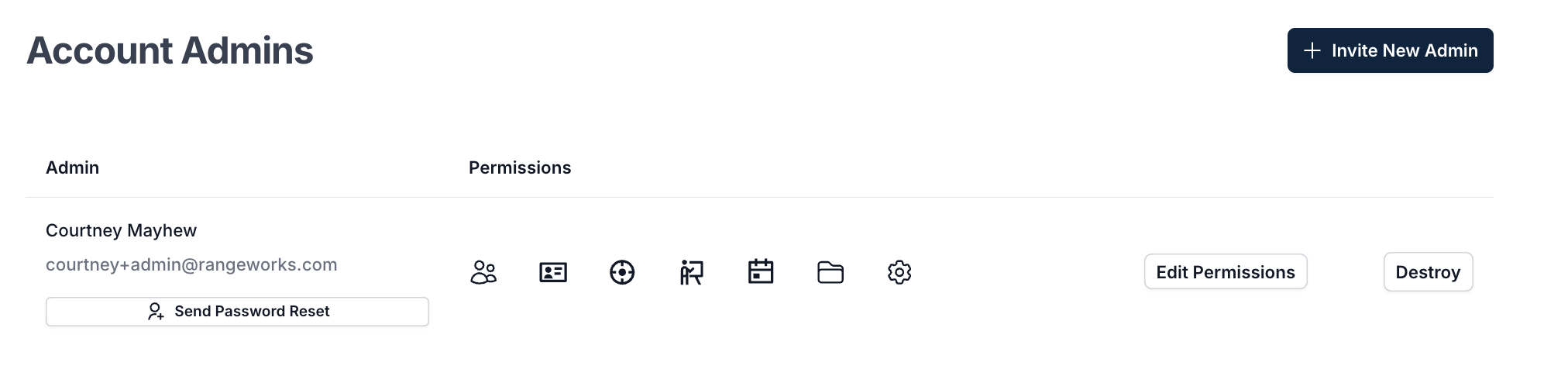
a. Edit Permissions
Click "Edit Permissions" button
i. Check or uncheck permissions to enable or disable

ii. Click "Save Changes"

b. Resetting Admin Account Passwords
Click "Send Password Reset"

c. Deleting Admin Accounts
Click "Destroy"
