How to Create a Membership
Last updated: July 6, 2025
Prerequisites
Before creating a membership, ensure:
You are logged in as an Administrator or a user with Membership Management permissions.
To add Memberships to your RangeWorks services contact Support
Steps to Create a Membership
1. Navigate to the Memberships Page
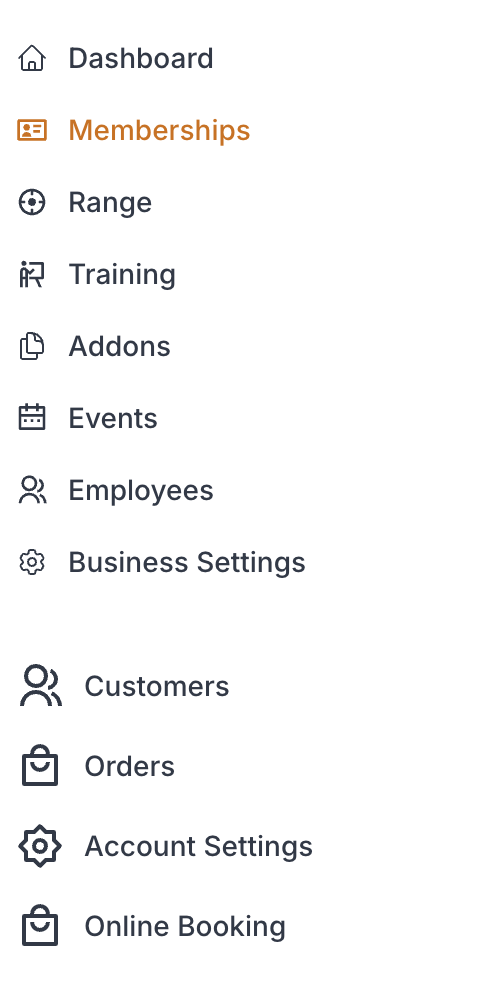
From the Admin Dashboard, go to Memberships
While in "Membership Plans" click “Create Membership” button.

2. Enter Membership Details
Fill out the following fields:
Field | Field Description |
MembershipName | A unique name (e.g., "Gold Monthly Pass") |
MembershipLength | Set how long the membership lasts (e.g., 1 month, 1 year) Note: Recurring monthly & yearly memberships will stop billing after this value. This is best used for non-recurring memberships. |
Initiation Cost | This is the base cost for the membership. For recurring memberships, this will be charged immediately as part of the order process in addition to the first recurring period amount |
Sales Tax Percentage | Enter the sales tax to be collected as a percentage (e.g 7 for a 7% sales tax) |
Optional Membership Settings |
|
Recurring Billing | Select to establish recurring contract settings for monthly or annual recurring billing. ~If Unchecked: Recurring billing options will remain disabled, and the contract will be set as a one-time agreement. ~If Checked: Proceed to configure the following
|
Family & Spouse Add-on | Select to allow the optional addition of family members or spouse ~If Unchecked: Family & Spouse addon will remain disabled, and the contract will be set as a single agreement ~If Yes: Proceed to configure the following
|
Discounts | Fill in the following to give online order discounts for active members with this membership
|
3. Create Membership
Click "Create" button