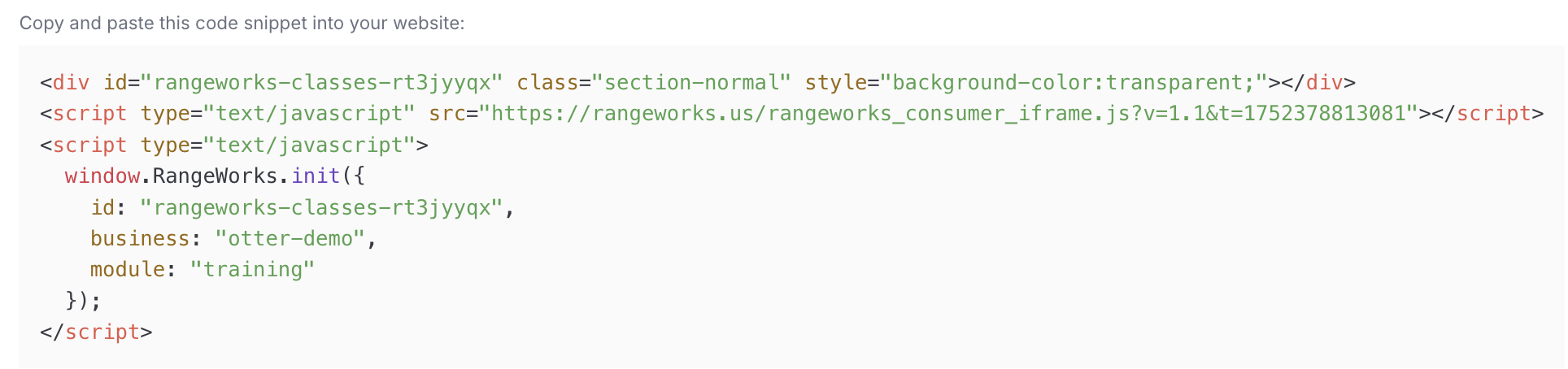
How to Get Embed Codes for Online Booking
Last updated: July 13, 2025
Steps to Getting Embed Codes
1. Navigate to the Online Booking Page
From the Admin Dashboard, go to Training
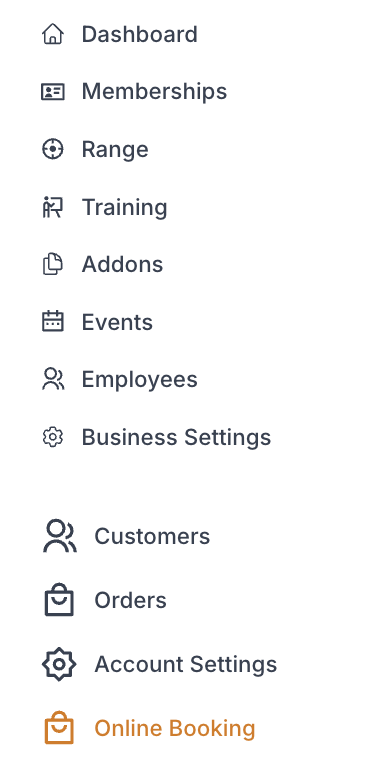
While in "Online Booking" and click which embed widget you would like
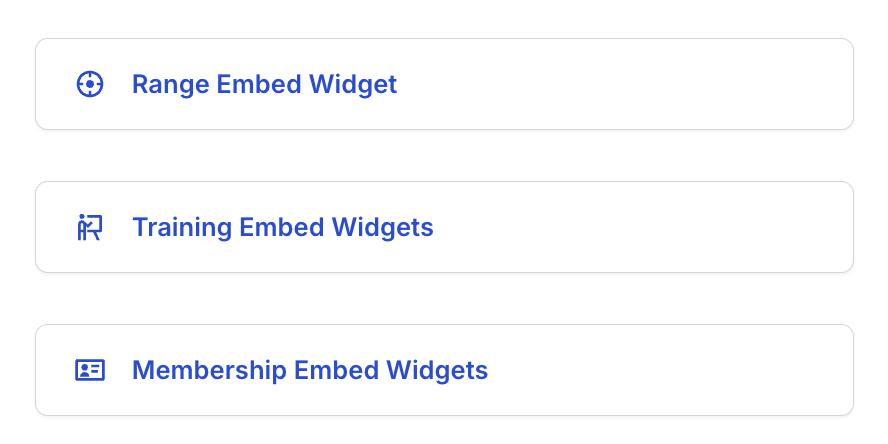
RangeWorks Hosted Booking Page: click the link to explore

2. Range Embed Widget
a. Make a "Range Embed Code Selection"
i. All Bays
ii. All Bays for Business
iii. Single Bay


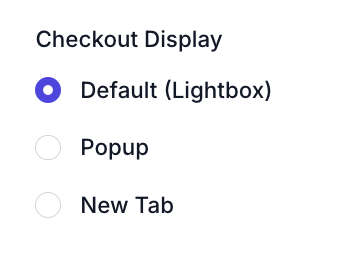
b. Select a "Checkout Display" Option
i. Default (Lightbox): opens inside the window
ii. Popup: new window
iii: New tab
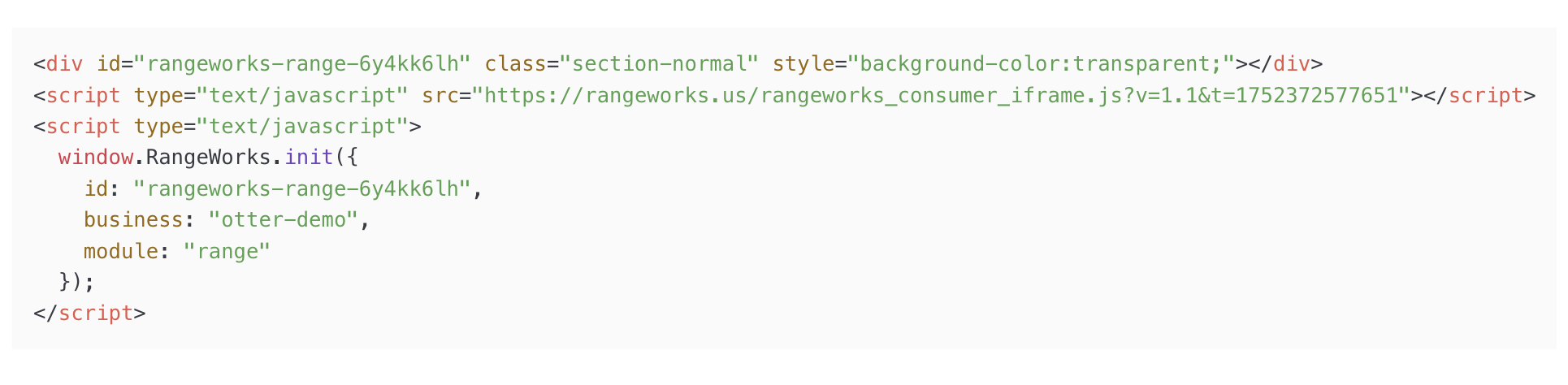
c. Copy Embed Code
2. Membership Embed Widget
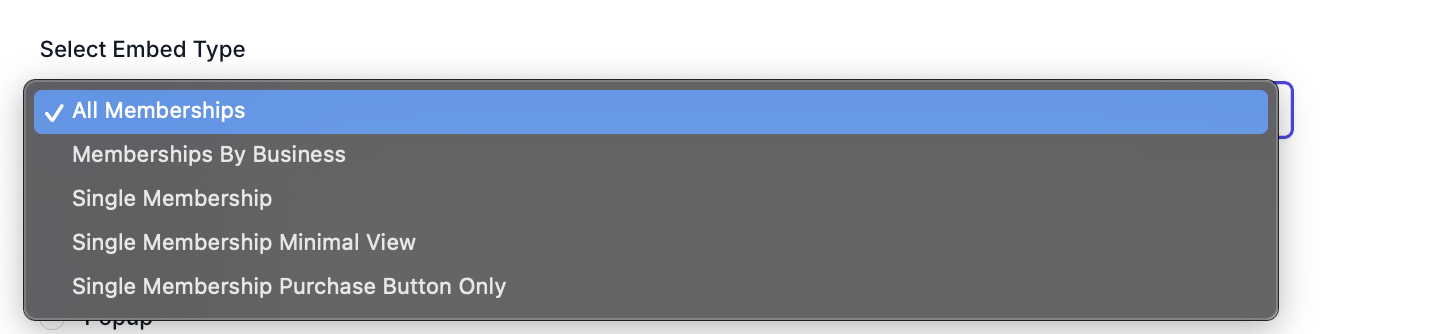
a. Make a "Memberships Embed Code Selection"
i. All Memberships
ii. Memberships By Business
iii. Single Membership
iv. Single Membership Minimal View
v. Single Membership Purchase Button Only

b. Select a "Checkout Display" Option
i. Default (Lightbox): opens inside the window
ii. Popup: new window
iii: New tab
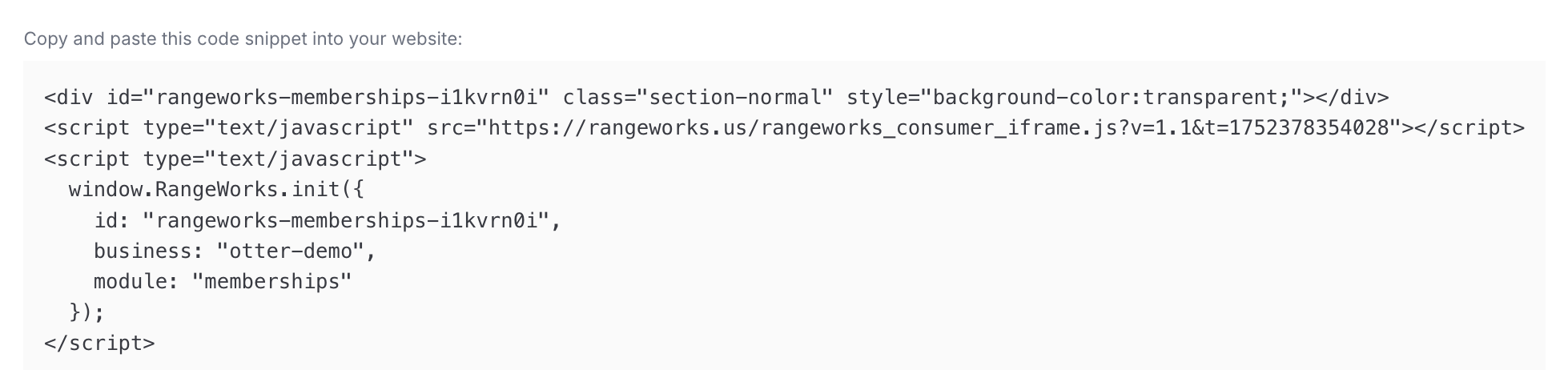
c. Copy Embed Code
3. Training Embed Widget
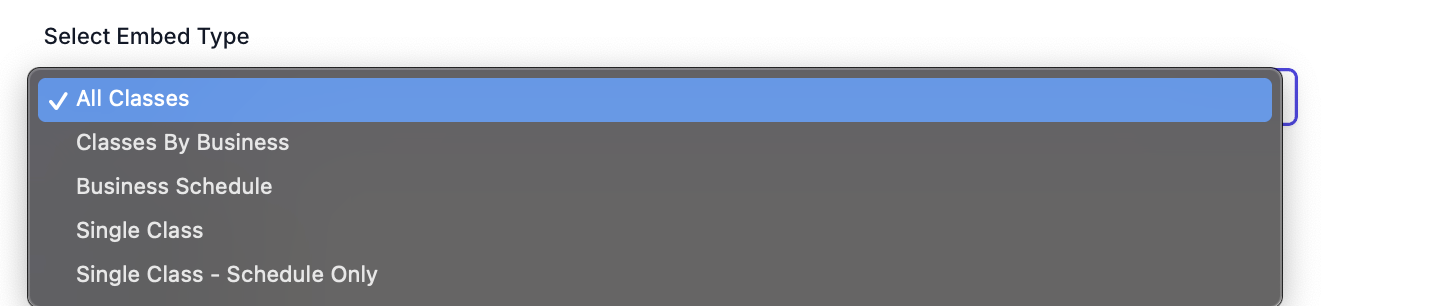
a. Make a "Training Embed Code Selection"
i. All Classes
ii. Classes By Business
iii. Business Schedule
iv. Single Class
v. Single Class - Schedule Only

b. Select a "Checkout Display" Option
i. Default (Lightbox): opens inside the window
ii. Popup: new window
iii: New tab
c. Copy and Paste Embed Code into your website